Screenshot examples with the design decisions explained
Three selections from our existing template library, with notes on the story and layout. Sample artwork, badges and copy are design placeholders to review before release.
Read each set as a sequence. Identify the first question it answers, the screen that supports the claim, and what each later image adds. Then borrow the reasoning for your own app rather than copying sample claims or interface artwork.
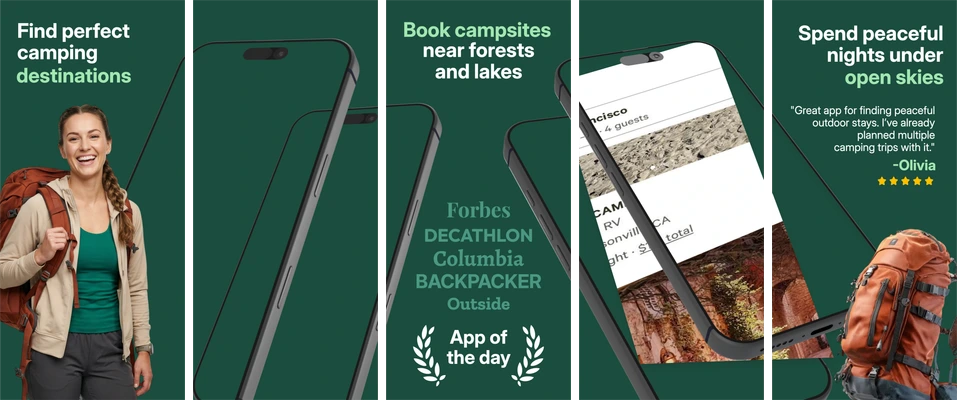
Camping Destinations
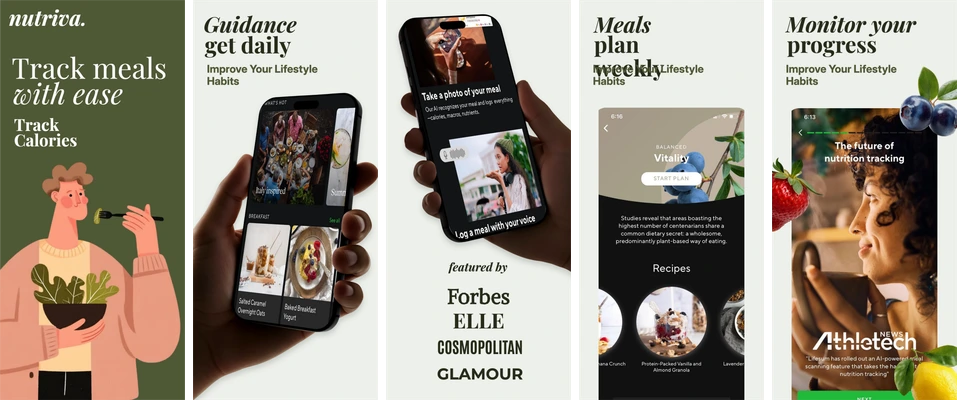
Meal Planning
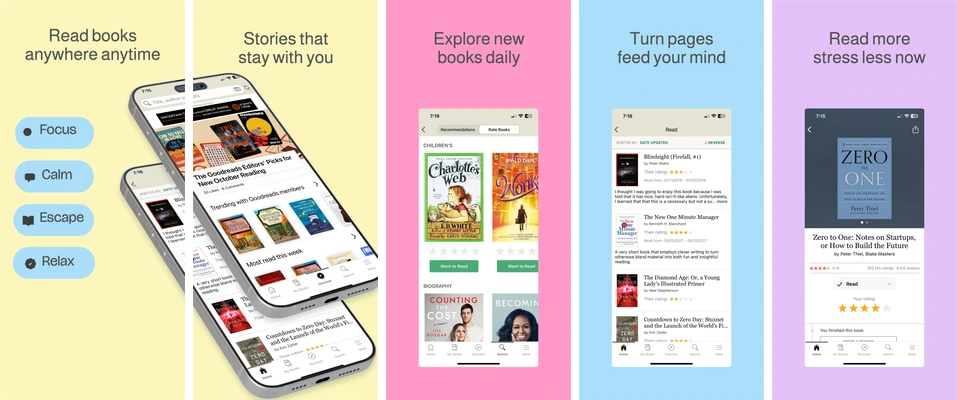
Books Anywhere
Check the composition at the size people will see
A large desktop preview can hide small type and a weak hierarchy. View the exported set on a phone, read it in order and ask someone unfamiliar with the app to describe the main action. If they need the full marketing description to understand the first image, revise the screen selection or headline.
For a connected sequence, use the panoramic screenshot guide and local spacing review to inspect your exported files.
What these examples include
These selected sets have five iPhone portrait compositions at 1290 × 2796 pixels. Free allows editing every board and exporting the first three; exporting additional boards requires a paid plan. The app interface in each board is a replaceable image, with editable surrounding copy and decoration. Check current availability and limits before planning a full delivery.
For a closer look at amounts and charts, read the finance screenshot breakdown. For wording, use the screenshot copy worksheet; for evidence, plan a store experiment.