Your app screensDrop in your PNGs or JPGs
Start with your screens.
Upload your app screenshots and choose a style. Your app interface stays exactly as it is.
Book discovery and reading progress.
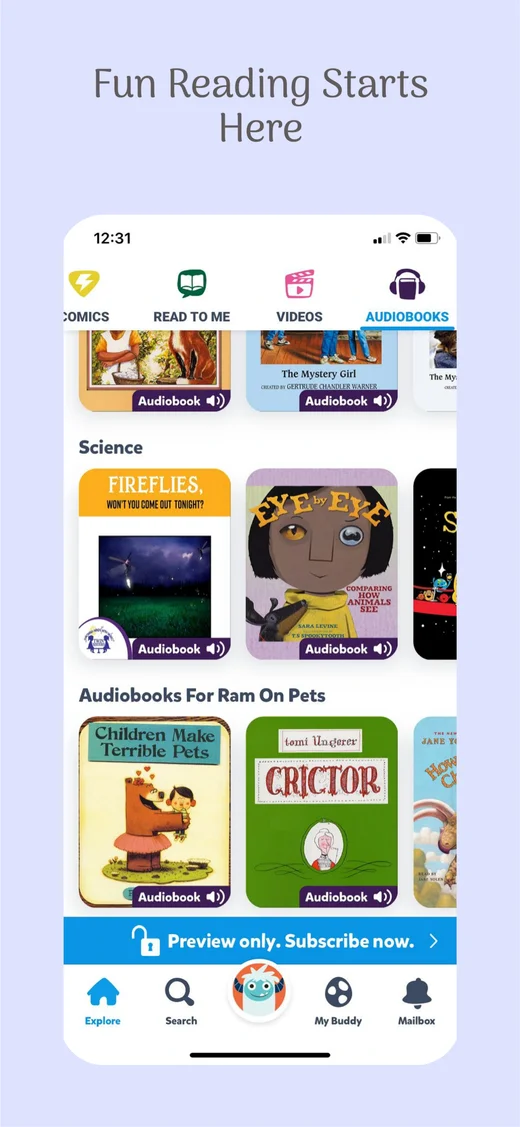
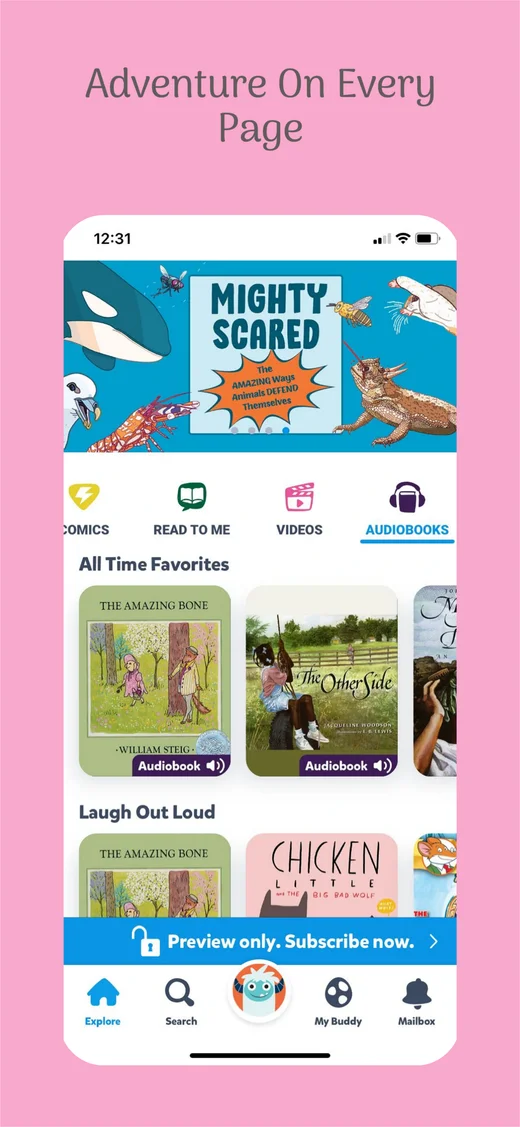
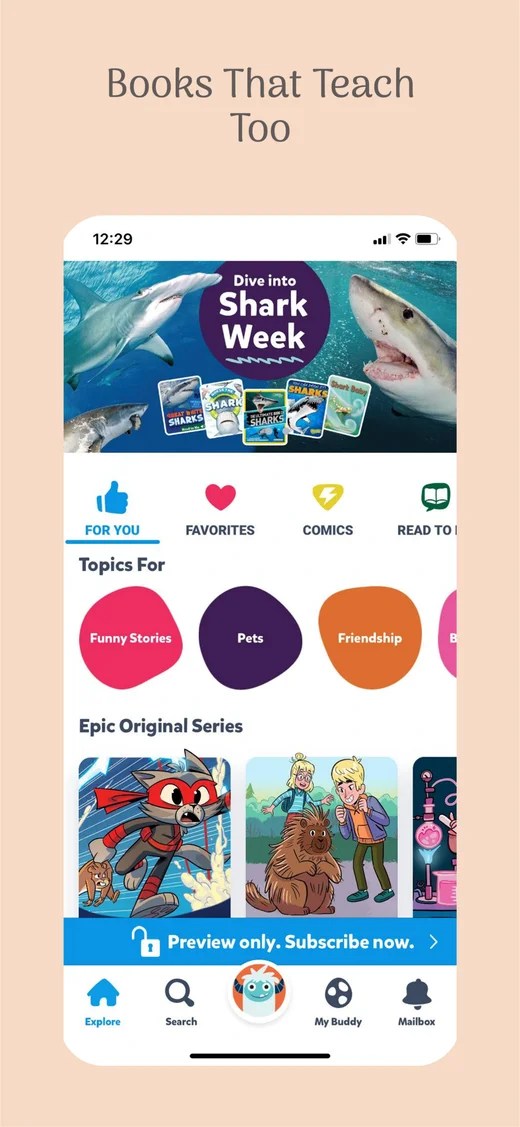
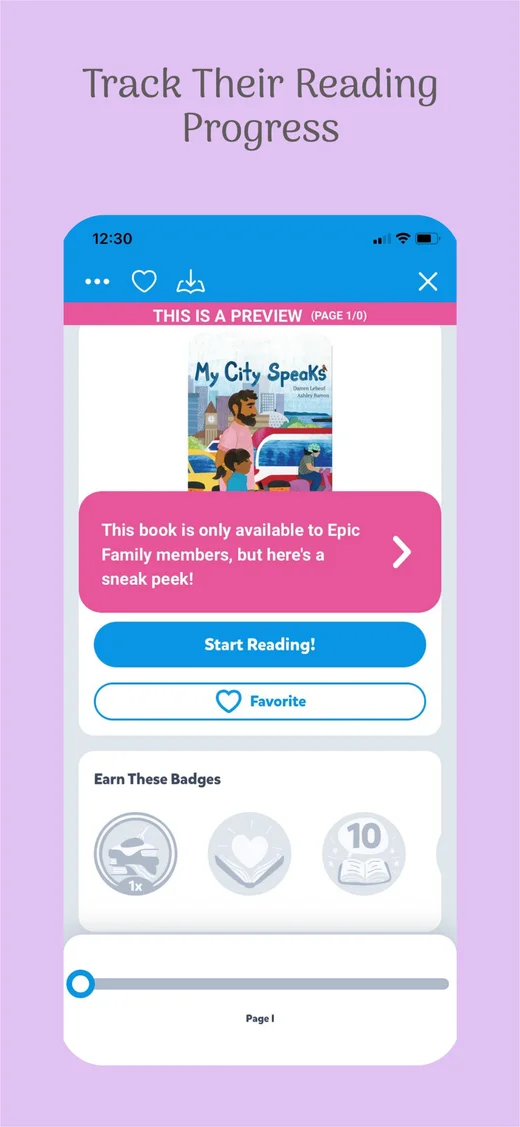
Turn your real app screens into App Store and Google Play screenshot sets. Edit headlines, colors and layouts, then export for your next release.
Three simple steps.
No design experience needed.
Upload your app screenshots and choose a style. Your app interface stays exactly as it is.
Change headlines, fonts and colors. Move things around. See your whole set come together.
Get sharp, correctly sized images in one organized download. Your next launch, all together.
Your whole screenshot set, side by side. Select anything to see just the controls you need.
Explore the editorAdapt your set for different devices and languages. Keep your brand consistent as you grow.
Create your first setExport full-resolution screenshots as PNG, JPG or an organized ZIP. Return to your saved designs whenever your app changes.
Create your screenshotsEdit every screenshot free. Export the first 3 with no watermark. Upgrade to unlock complete sets.
Ship one app without a subscription.
Keep your apps ready for every release.
One studio for your growing app portfolio.
Free: 1 app, every template and full-resolution exports of each set’s first 3 screenshots. No card required. Paid plans include unlimited full-set exports during your access period. Prices are in USD; applicable taxes are shown at checkout.
Yes. Explore every template for one app. Edit every screenshot. Export the first 3 screenshots in each set at full resolution, with no watermark or card required. Upgrade to export complete sets.
Of course. Each phone contains one replaceable screenshot. Your real app interface stays intact; the surrounding headlines, graphics and layout remain editable.
A generated set uses 10 credits; a targeted revision or one-language translation uses 2; a decorative image uses 5. You see the cost before starting. Failed jobs release reserved credits. AI features require connected services.
Yes. Create versions for the available App Store and Google Play sizes, review your layouts, then export organized PNG or JPG files.