Existing catalog compositions for vocabulary practice, learning activities and course discovery. Show the actual learning activity clearly.
Show what a learner does and what feedback the app provides. A flashcard, worked problem and course overview each need a different story. Keep the exercise readable rather than relying on decorative success badges.
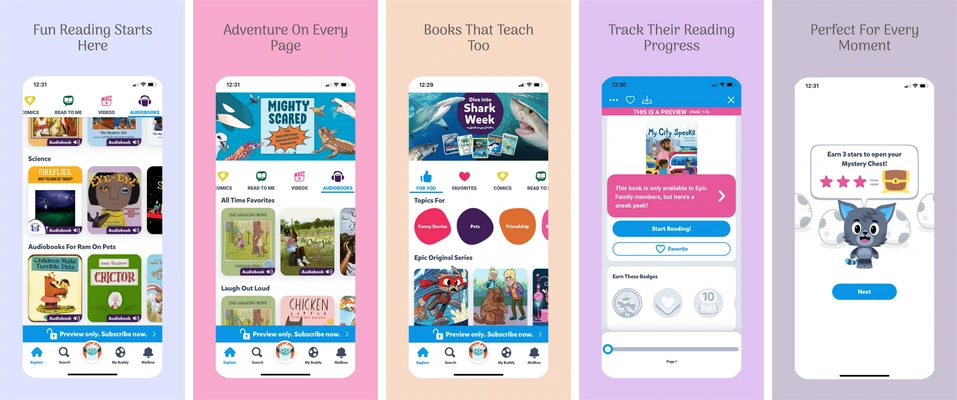
Pastel layouts for a children’s reading catalog, book discovery and reading progress.
Each board uses a large upright phone on a different soft color. Short centered headlines leave the book covers, reading controls and progress interface visible.
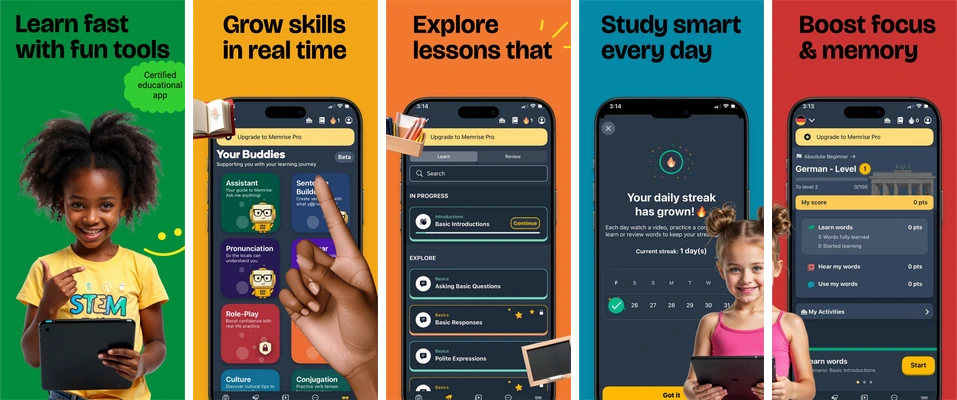
Bright green, orange, purple, blue and red compositions for learning activities.
Bold color changes separate the boards while dark phone screens hold the interface together. Photos introduce the audience and the app screens explain activities.
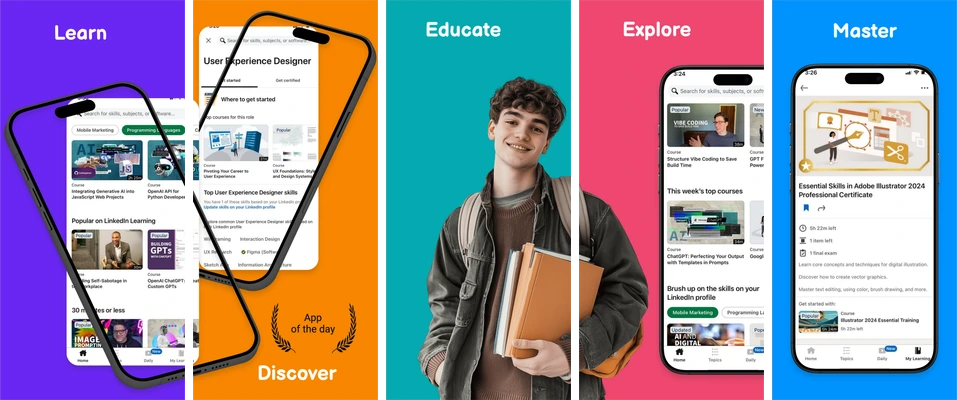
A vivid learning sequence mixing angled phones, a learner photograph and course screens.
Single-word headings give the colored panels a simple rhythm. Angled devices and a central portrait add variety, so the app capture must remain large enough to understand.
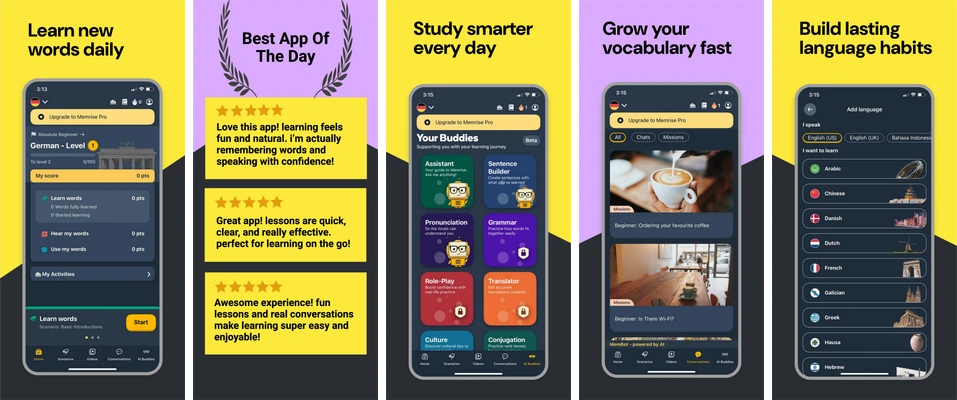
Yellow and charcoal screenshot compositions for vocabulary practice and review.
Bright backgrounds contrast with dark phone screens. The set moves between a practice view, a promotional panel and review activities; the app detail should support each headline.
Choose Daily Vocabulary for practice and review screens.
Choose Playful Learning for bold, activity-led compositions.
Choose Learning Path for course discovery, or Family Reading for a book catalog.
Replace the sample content
These selected sets contain five iPhone portrait compositions at 1290 × 2796 pixels. Headlines, supporting copy, decoration and device placement are editable. Each app screen is a single replaceable image; import a real capture from your app and keep its internal artwork intact.
Free accounts can edit and export the first three screenshots in a set. Later boards follow paid-plan access rules. See current availability and limits before planning the final delivery.
Review the message and the exported files
Verify all equations, vocabulary and explanations. Use the actual app's feedback and progress labels. Do not imply accreditation, guaranteed grades or learning gains from illustrative sample data.
Save the project, export the available boards and inspect every file at full resolution and a small store-preview size. Use the screenshot checker for dimensions, format and alpha; the release checklist covers the wider handoff.